


After working on it for most of the year, Cibby, my dream game collection app, is now available on the App Store and a brand new website is live on cibby.app.
It’s free to download and use for collections of up to 10 games, with Cibby Pro for larger collections. I would love for you to try it:
There’s a fun backstory to this app that I want to share. But before that, a few things are converging here.
First, this is what I was talking about in my last post, The Age of Shipping. It’s here.
A lot of us have started building software that previously only lived in our imaginations. Product ideas that sat in backlogs because the engineering cost made them unfeasible. That is over. Anyone with the ability to clearly communicate what they want can build it.
We are not done talking about that, but this post is about Cibby.
Second, I just shipped my first iOS app since the Robocat days, and I am feeling a little nostalgic about making this kind of product again.
Okay, now the story.
I have been collecting video games for many years. Physical video games remind me of my childhood, but they also connect me to the history behind my profession as a game designer.
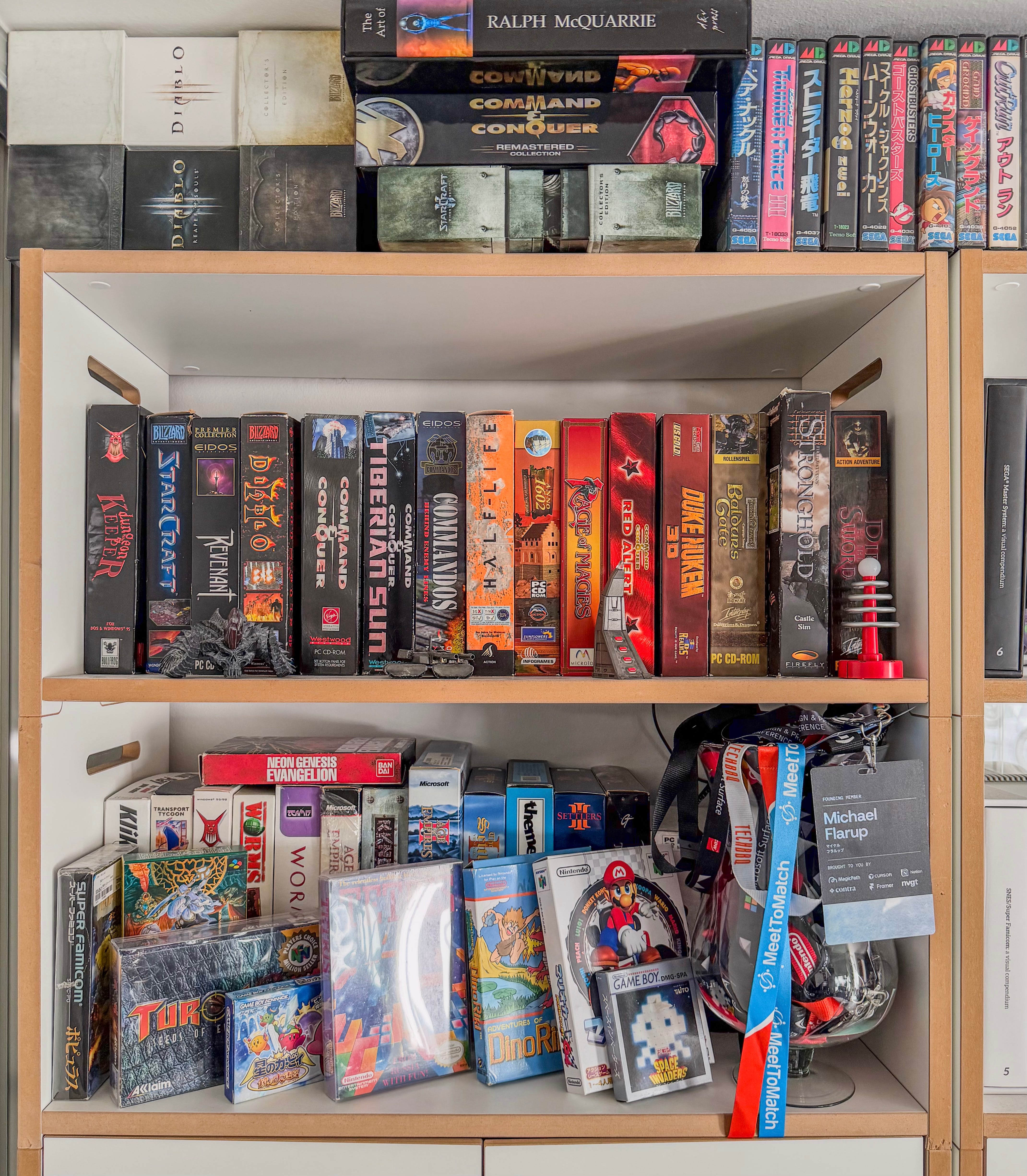
To keep track of my growing collection, I used an app called CLZ. It did the job, but I never quite connected with how it looked, particularly the app icon. You know me.
I wrote to them and offered to design some alternative app icons for free.
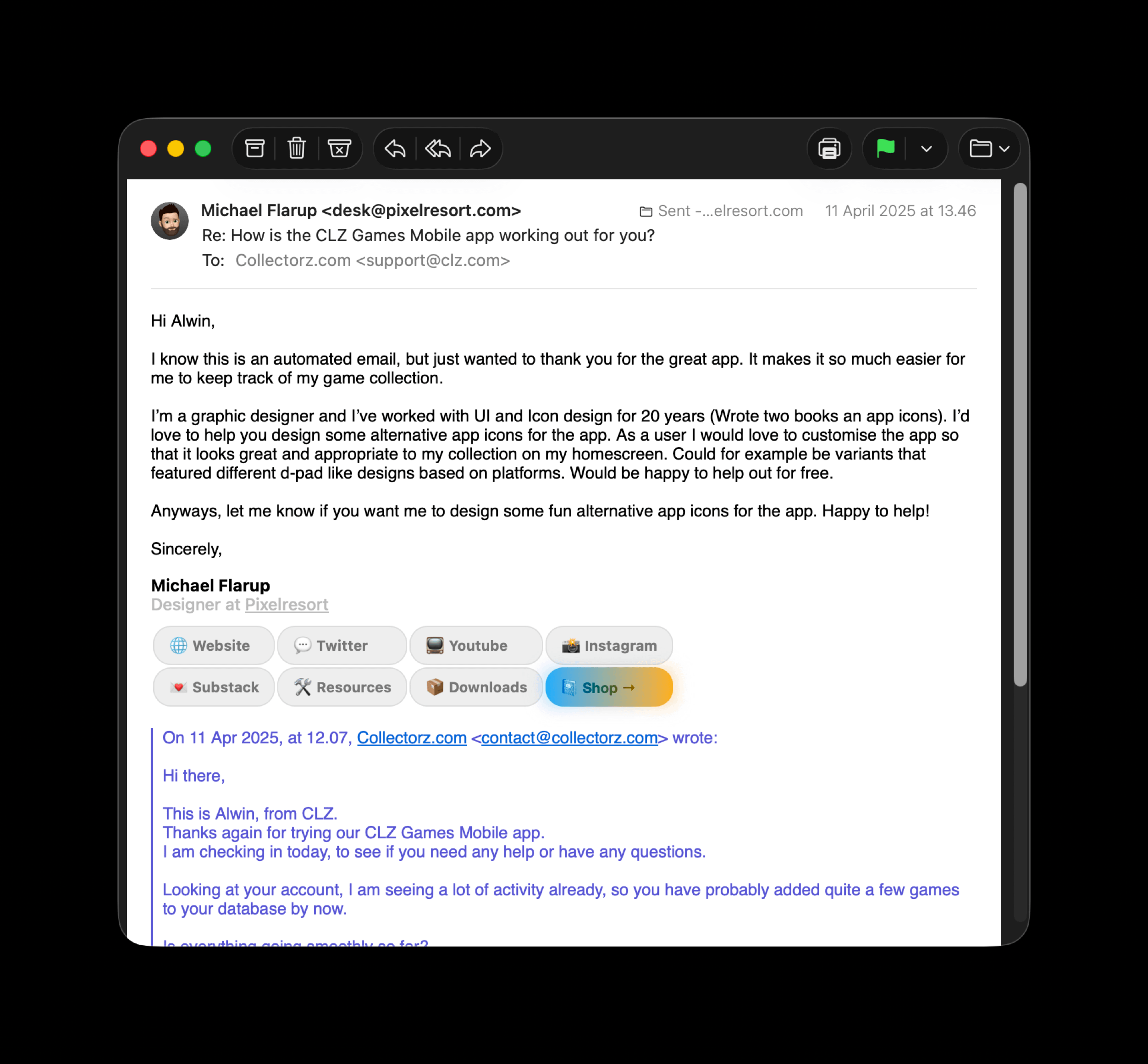
They politely declined. Fair enough.
So early this year I started playing around with prototypes. If I could not help make the software already out there more to my liking, maybe I could just make my own.
For a long time, Cibby was simply a prototype living on my phone.
Sometime in March, it dawned on me that turning Cibby into the app I wanted would require building a very large database of games.
In fact, I would have to build what I suspect might be the largest 3D archive of physical games ever attempted.
There are many great game collection trackers out there, but I wanted mine to feel less like a database and closer to the physical act of collecting these objects.
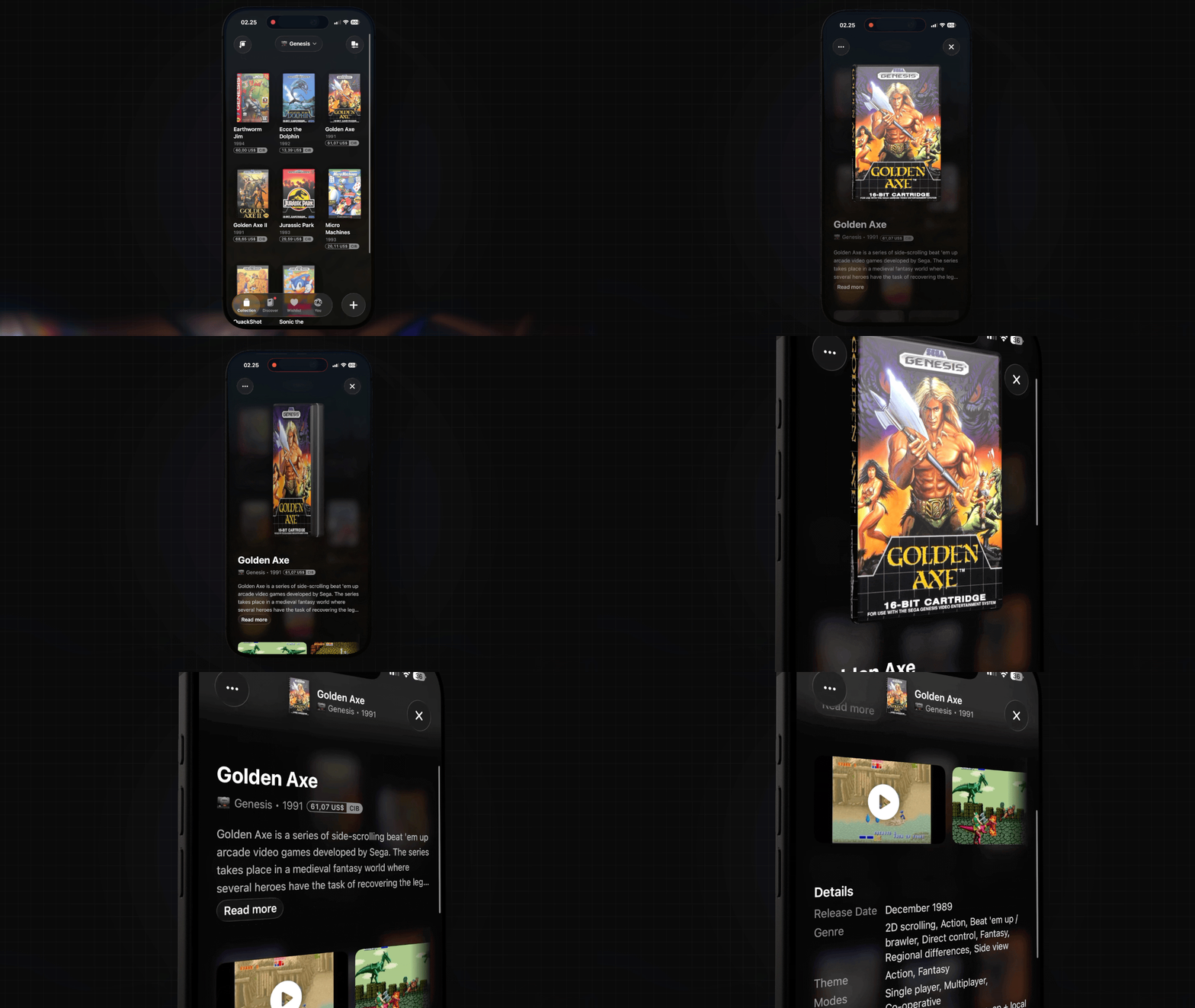
There is something a little ironic about collecting and treasuring physical things, then reducing them to rows in a spreadsheet. That always felt wrong to me.
So Cibby is built around the objects themselves. Your collection lives on a shelf. You can pick up a game and rotate it in your hand.
To make that possible, I had to build 3D geometry for a large range of physical media across 47 platforms at launch, then wrap that geometry in artwork that recreates each box as closely as possible.
It meant getting the physical dimensions of 40 years of retail releases right. It meant rendering cardboard boxes, translucent jewel cases, and everything in between.
I paid for access to existing APIs. I built connectors to open databases and sifted through thousands of games to identify physical releases. I ingested hundreds of thousands of available assets and built systems to assemble and review boxes on a scale that would be impossible to manage by hand.
Today, Cibby has 83,901 games in the catalogue and 61,385 designed boxes.
Even with the help of AI, there have been many challenges to solve along the way. Enriching game entries with facts from Wikipedia. Extracting reviews. Presenting media. Supporting editions and regional variants.
The list is long, and there is still a lot of work to do.
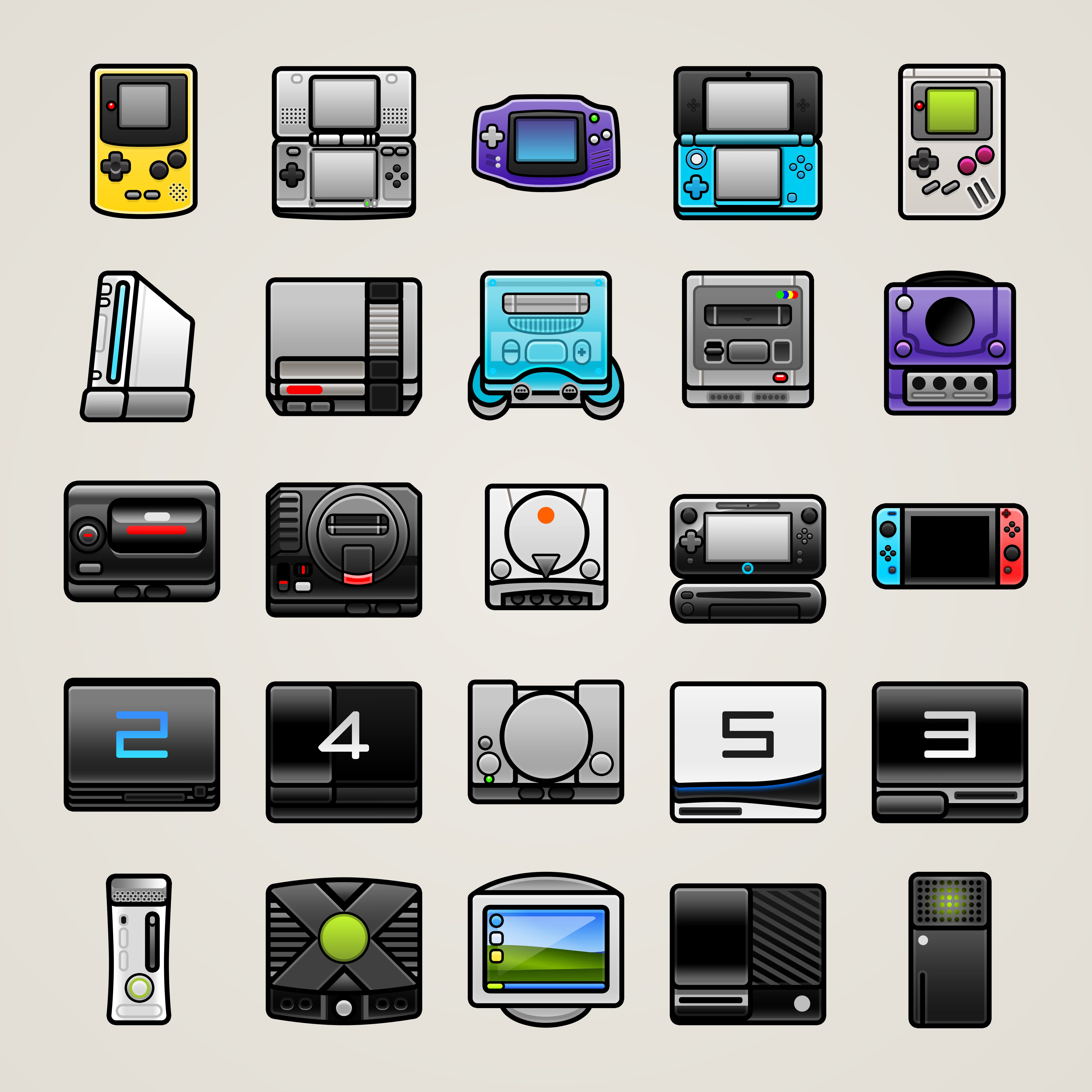
The iOS app itself is a love letter to the kind of interaction design I want to see more of in the world. Fun interactions. Dimensional design. Modern functionality in a nostalgic package. And, very importantly, there are more than 40 app icons to unlock.
I have spent months poring over animations, sounds, custom icons, and tiny details that almost no one will notice.
I also built some fairly novel ways to get your games into the app. Simply point your camera at a shelf and let Cibby try to match what it sees with games in the catalogue. It uses on-device OCR and a lot of clever tricks.
There will be catalogue gaps at launch. Some games will be missing, and some boxes will look wrong. But I designed Cibby to improve as people use it.
Collectors can import their libraries from other services. Gaps we discover are queued for creation. People can scan their own boxes and choose to contribute those scans to the catalogue.
Over time, our coverage of barcodes, special editions, rare finds, and regional releases will grow.
My hope is that enough people will want to support the app by purchasing Cibby Pro. It will help cover the considerable cost of running the infrastructure, but more than that, it could let me turn Cibby into a sustainable little business that I can keep working on for years.
If you collect physical games, or just enjoy video games in general, I would love for you to give it a try. And if you know someone with a shelf full of old games, please send it their way.
Download Cibby on the App Store.
Check out this cool website that I made for it.
P.S. Why Cibby? CIB is collector shorthand for “Complete In Box,” meaning a game still has everything it originally came with.
P.P.S. I have been sharing some behind the scenes videos on making the app over on Youtube, if you like that sort of thing.
Very cool, reminds me of the old Mac app Delicious Library!
I love this idea, but unfortunately physical games are the one physical collection I haven't been building. I have meticulously maintained Notion databases with covers for books, vinyls, and movies. I'd love to load them into something like this (especially if I can add tags and notes).